
If one of your students is unable to login it may be because they are using the wrong username or password.
You can check this by going to “Search All Members” and finding their profile card.
Click on their profile card and at the top are some options including “Reset password”.
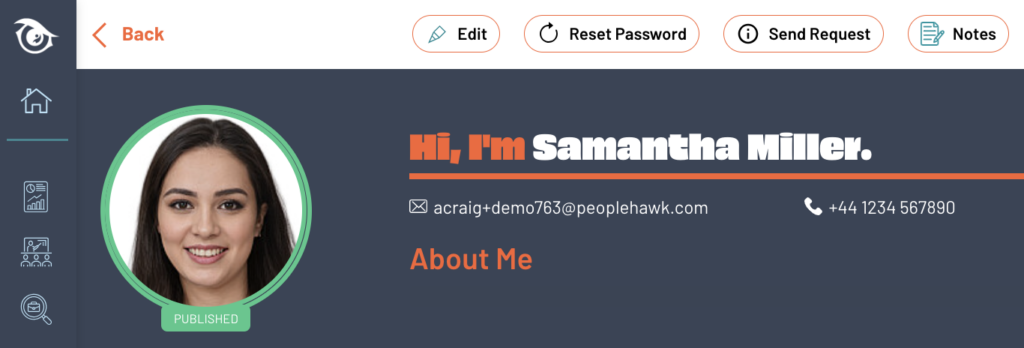
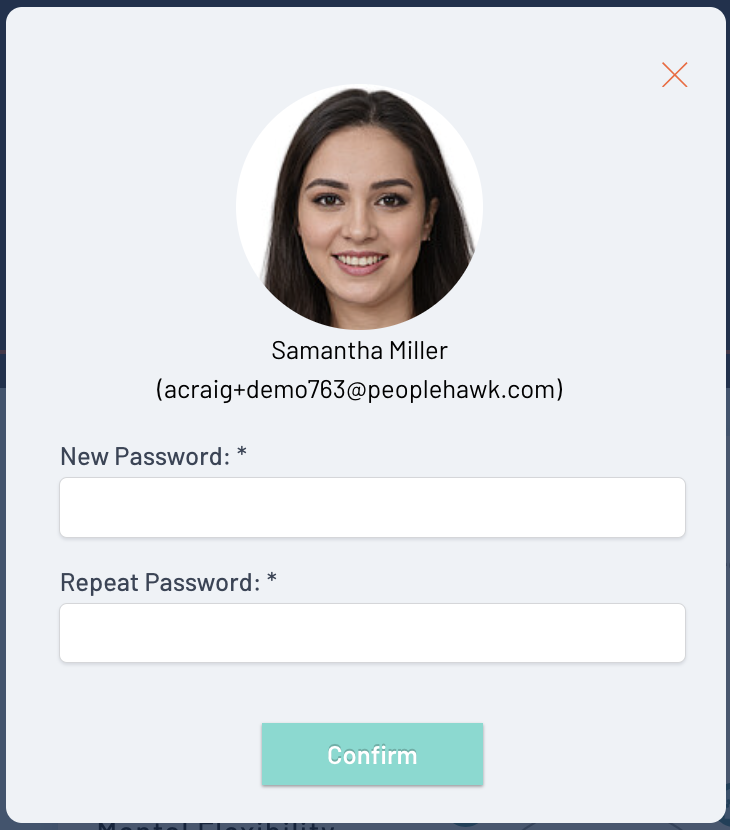
Click on “Reset Password” to see a popup dialog like this –
Email address
First check with the student that they are using the displayed email address as their username when attempting to login.
Reset password
Enter a new secure password (twice) and click “Confirm” to update their account.
The student should now login using the displayed email address and the new password.