
When first registering with PeopleHawk you should have been given an organisation code to ensure your profile is part of your school’s zone. This ensures you have free access to all the functionality and your school can provide you with career support.
If you forgot to enter this organisation code when joining then you will see “PeopleHawk Member” under your photo in the top left.
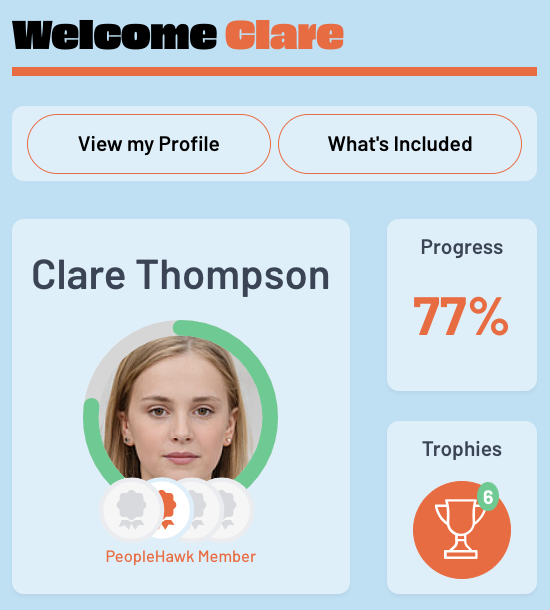
Adding an Organisation Code
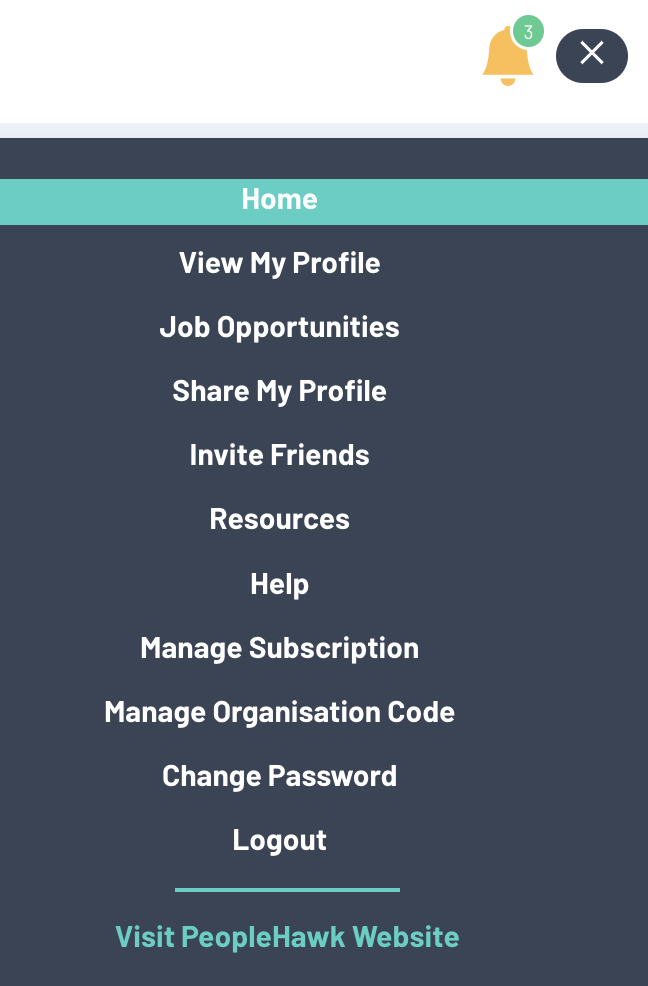
However this can be added at any time after registering. Simply login to your account and then select “Manage Organisation Code” from the menu in the top right.
At the prompt then enter your scchool’s organisation code and click “Confirm”.
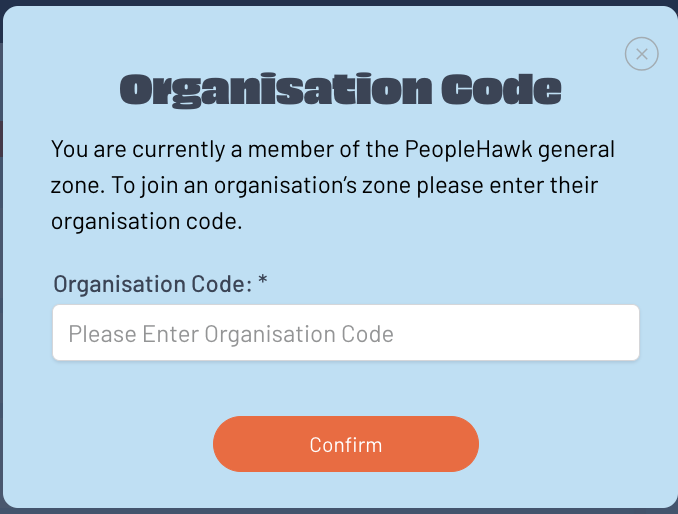
You will now see the name of your school as the organisation zone underneath your profile photo.