
If you have forgotten your password this can be reset at the login screen by clicking on ‘Forgot Your Password’ to see a series of options on how to reset.
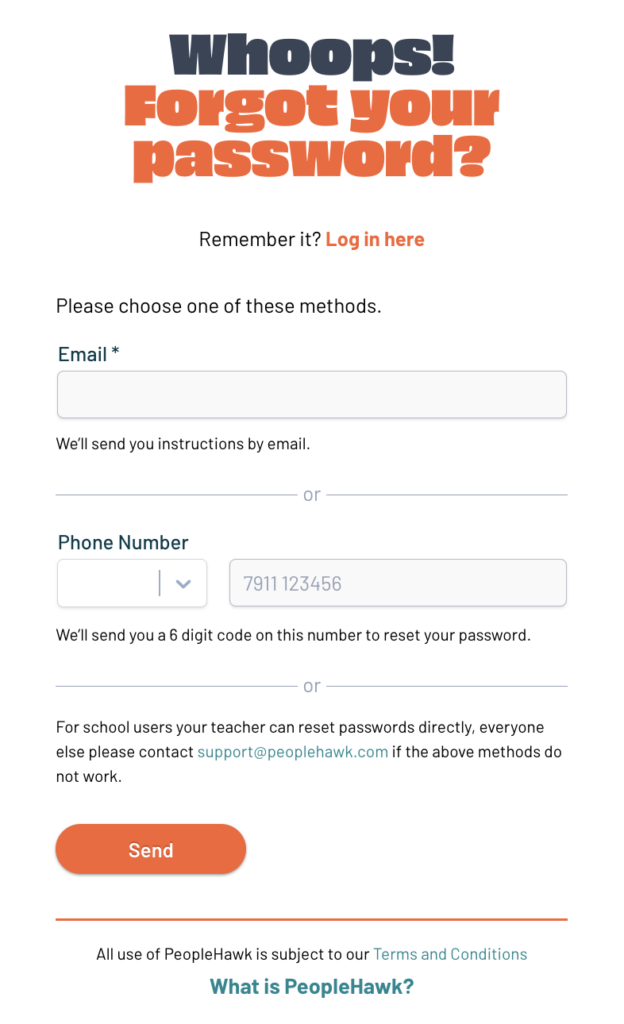
via Email
Enter the email address associated with your account and click Submit.
If we have an account linked to that email address then you will receive an email to your inbox. If the address is unknown to us then the request will be ignored and you won’t receive any email. It may be you have registered with an alternative email address.
Once you receive the email click the link contained in it and you can then set a new secure password for your account.
via Mobile
If you provided your mobile number when registering or in profile settings then you will also be able to reset your password by entering your mobile number. You will then receive a 6 digit verification code to enter.
Once this code is verified you can then set a new secure password for your account.
This method is currently only available to UK / Ireland mobile numbers.
via Career Teacher / Guidance Counsellor
For those users that are part of a school, college or other educational organisation then it is also possible for your teacher to reset your password for you. Please speak to them directly and also check you are using the correct email address as your username.
via PeopleHawk Support
Finally if you are still unable to access your account then you can contact the support desk. This method may take some time to verify you are the account holder and additional information may be requested by us.